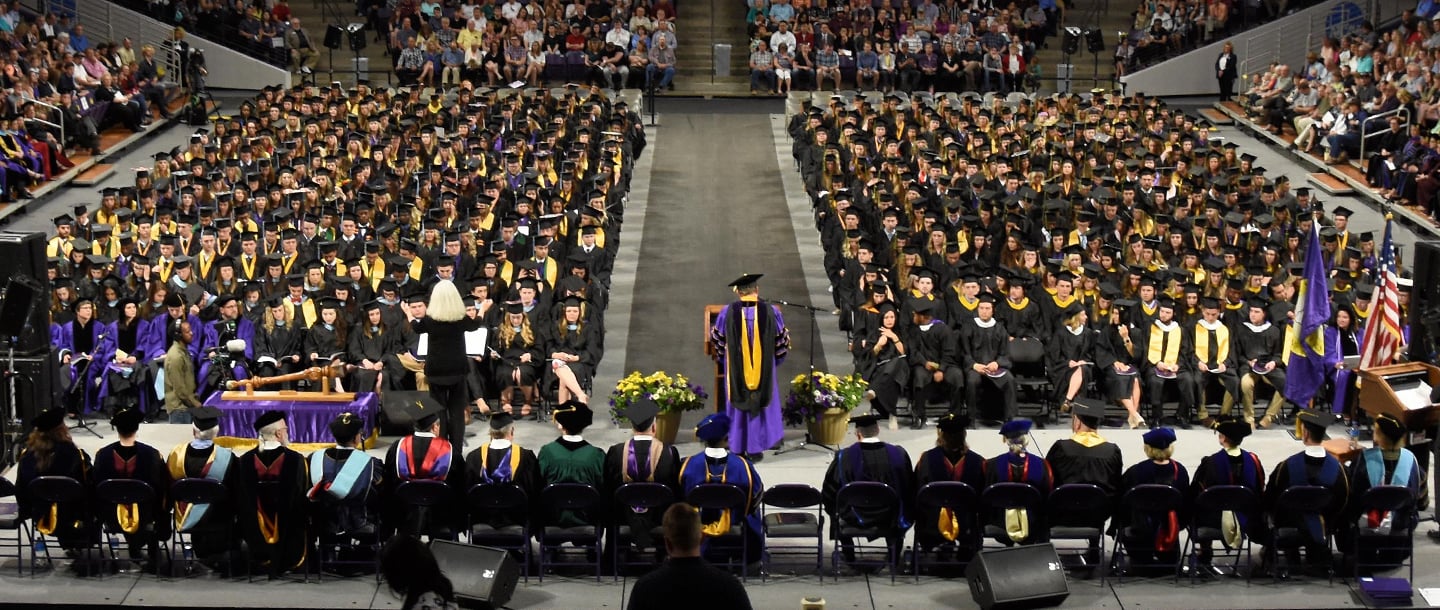
The mission of the Minnesota State University, Mankato Alumni Association is to engage alumni, friends and students in ways that benefit its members through opportunities which stimulate a lifetime of interest, loyalty and support. The Alumni Association works to transition current students into engaged alumni and helps alumni to build deeper connections to the University and one another.
Dr. Margaret Preska (1938 – 2021)
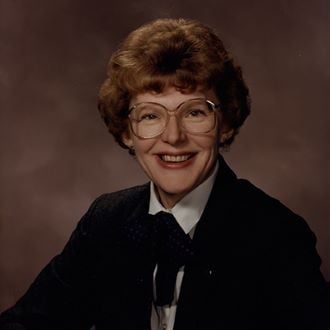 Dr. Margaret Preska, who served as president of Minnesota State Mankato from 1979 to 1992, died on Tuesday, Nov. 17, 2021.
Stay Connected





#MavAlum | #MavGrad | #GiveMNSU
About the Alumni Association
The Minnesota State University, Mankato Alumni Association operates under the direction of the Alumni Board of Directors, and aims to build and foster relationships with alumni.
Alumni Benefits
Our alumni deserve the best. That is why we are always working to bring you the latest and greatest discounts, deals and services to fit your needs after graduation! Check out a few of our current benefits.
Upcoming Alumni Events
Join fellow Maverick alumni at a variety of Alumni Association events including lifelong learning, athletic events and festivities celebrating the pride and spirit of the university!
2024 Distinguished Alumni Awards
The purpose of the Distinguished Alumni Awards is to honor alumni who have enhanced the reputation of the University through their actions, hard work and achievement.
8.5 Ways to Engage
Are you an alumni or friend of the University who is looking for ways to get involved? We have you covered. Here are 8.5 ways to engage with Minnesota State Mankato.
Contact the Alumni Association
Contact the Minnesota State University, Mankato Alumni Association.